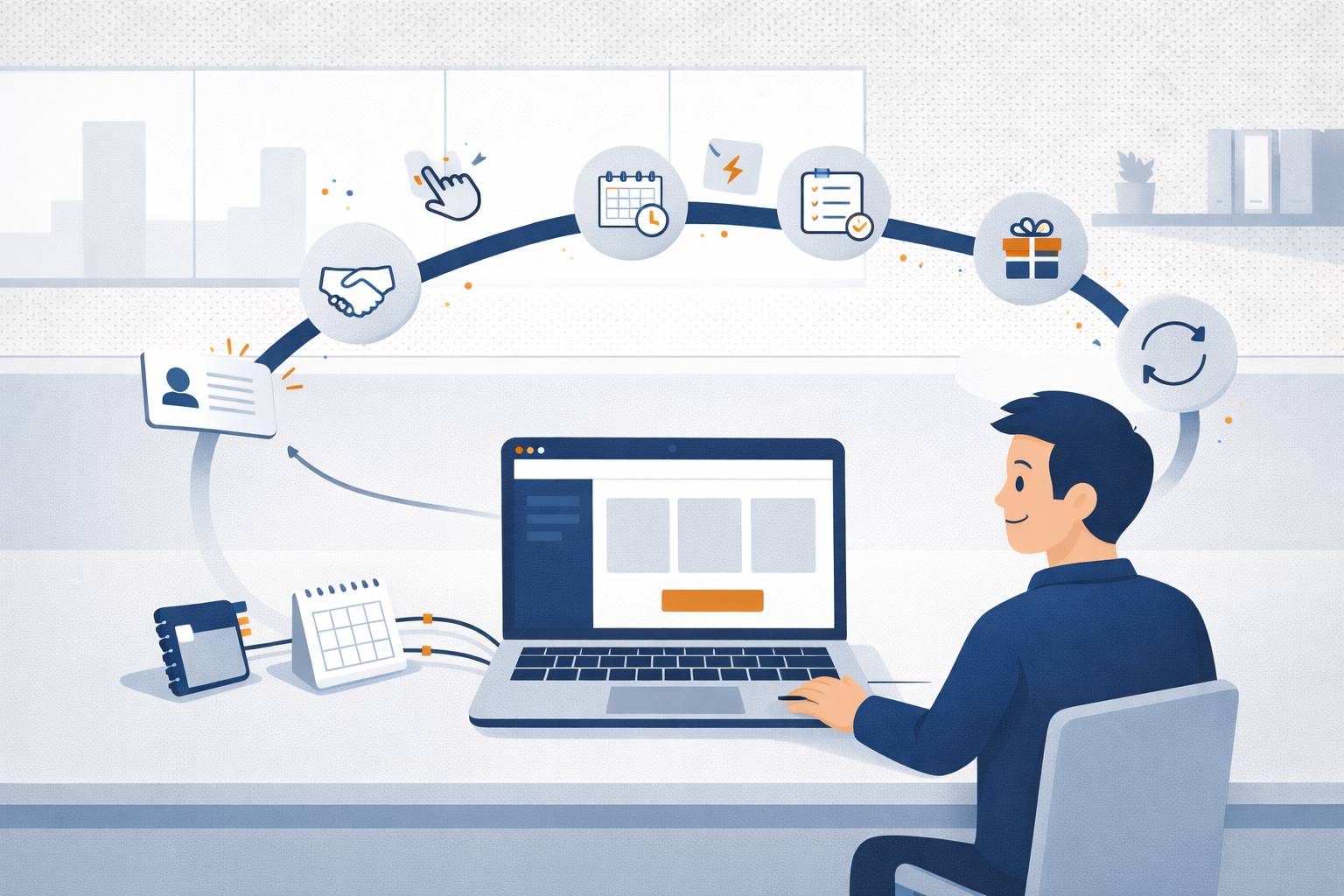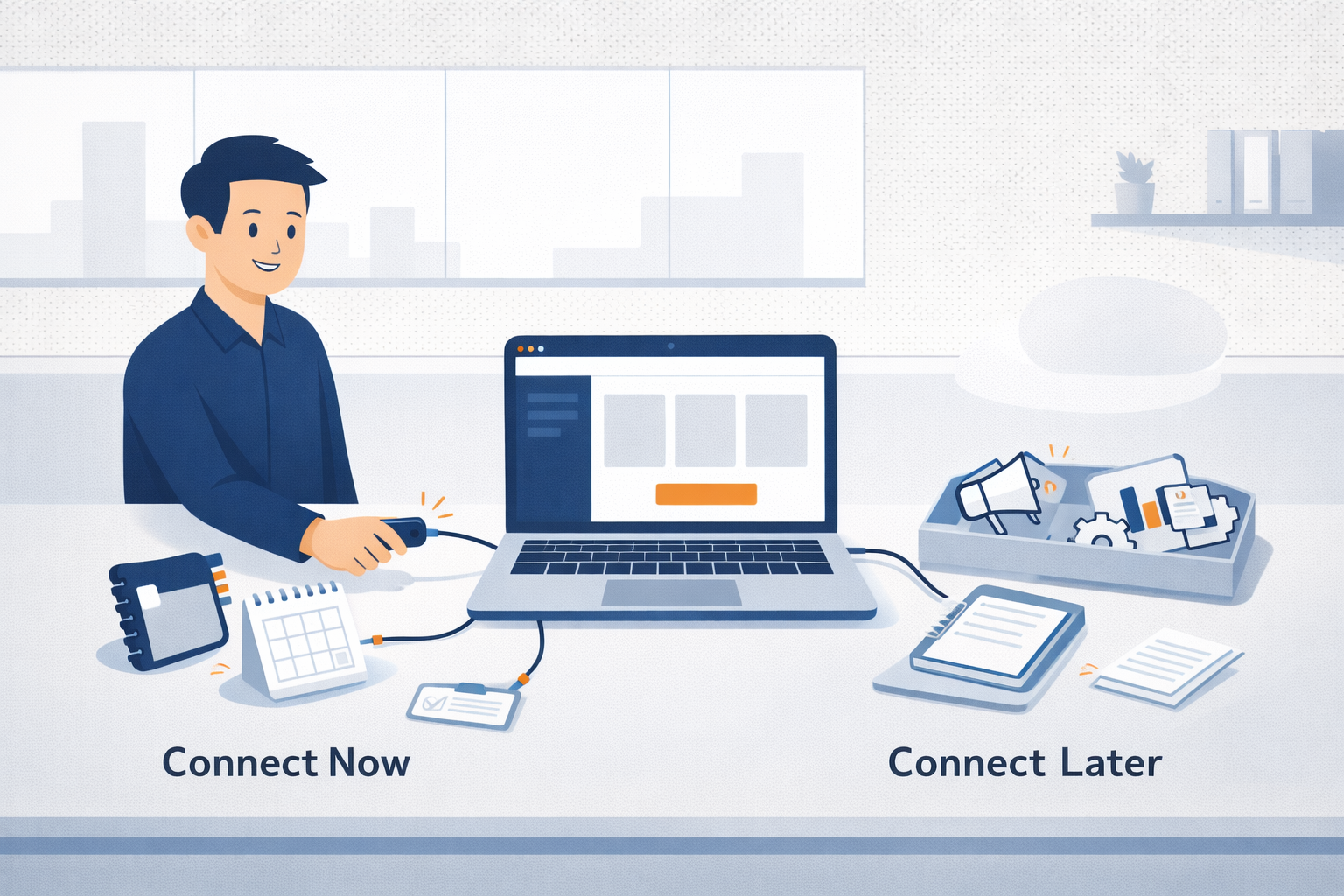
Most businesses today use more technology than they realize.
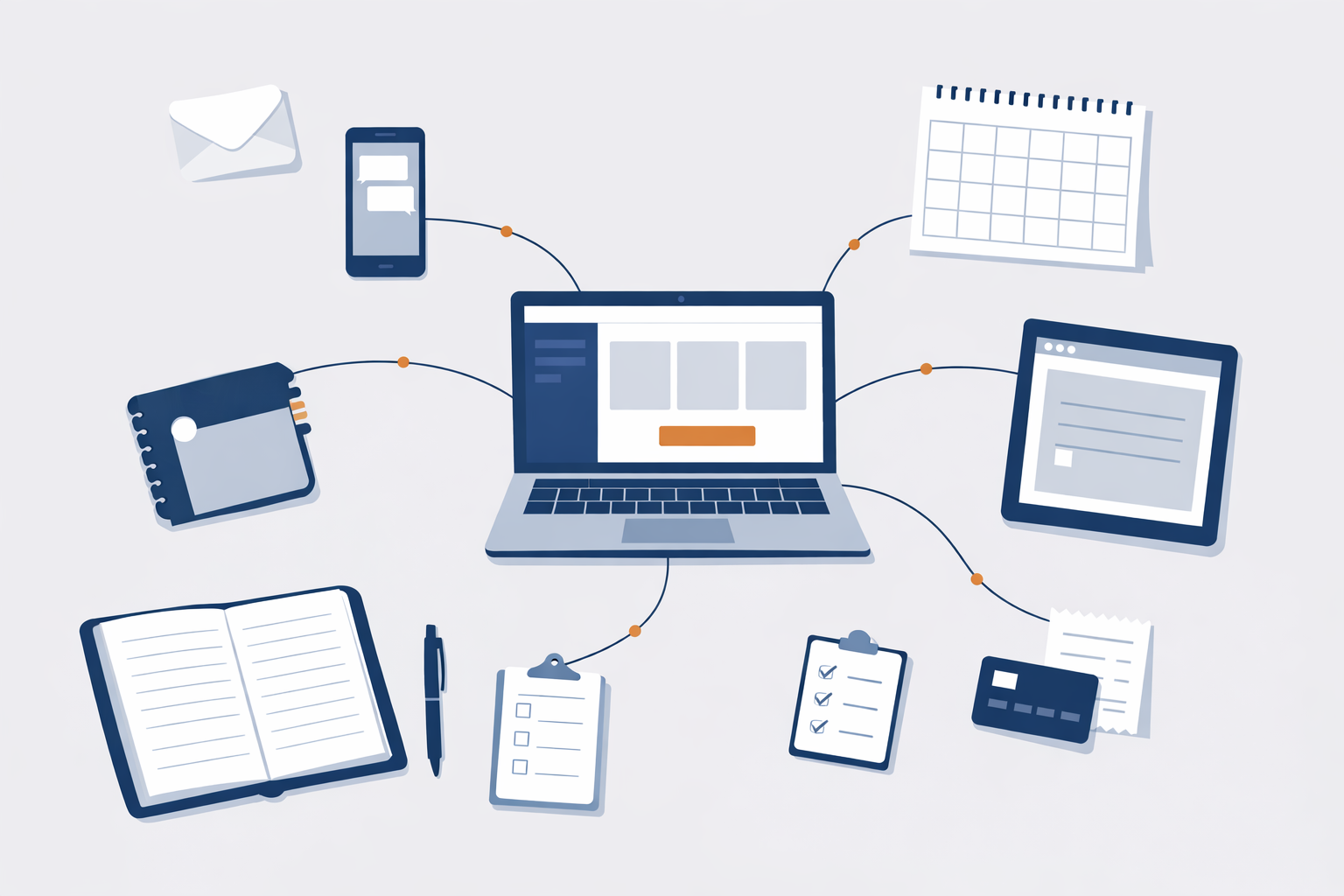
Email, calendars, phones, websites, contact lists, invoicing tools, scheduling apps — these all count. When you put them together, that collection is called a business tech stack.
The term may sound technical, but the idea is simple.
A business tech stack is simply:
The tools you use to run your business day to day.
That’s it.
If you answer phones, send emails, book appointments, track customers, send invoices, or follow up with people, you already have a tech stack.
Most businesses don’t build a tech stack on purpose. It usually grows over time as new tools are added to solve everyday problems.
Many business tech stacks include tools like:
You don’t need every tool on this list. Most businesses use only what supports how they actually work.
Tech stacks rarely start out complicated.
New tools are usually added when:
Over time, this can lead to:
This is extremely common and doesn’t mean anything is “broken.”
A helpful way to understand a tech stack is:
Problems tend to appear when:
Not necessarily.
More tools don’t automatically lead to better outcomes.
A healthy tech stack:
An unhealthy tech stack:
Trying to reorganize everything at the same time can quickly become overwhelming.
A simpler approach is to:
Small, thoughtful changes often make the biggest difference.
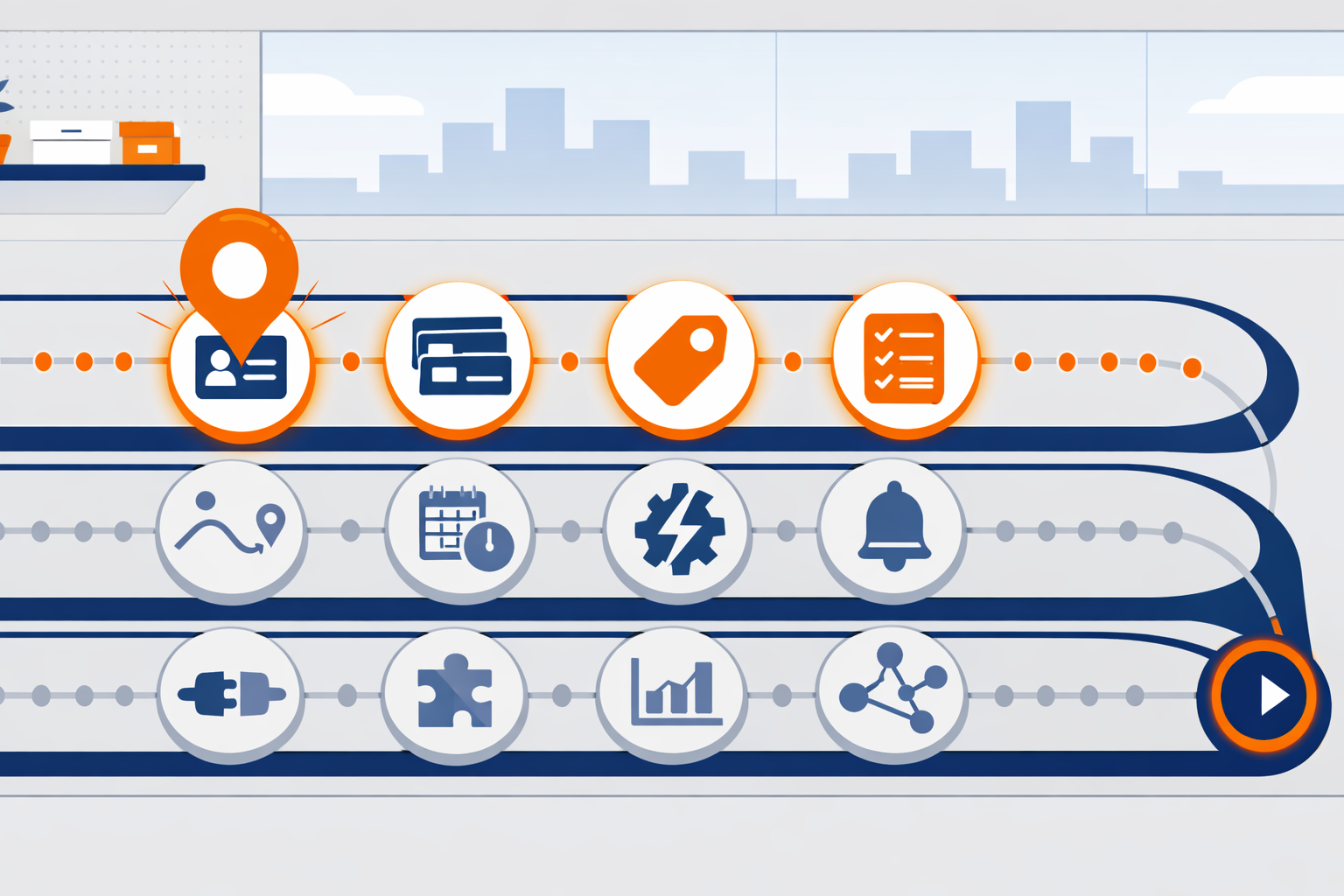
If you’re ever unsure what to do next, the Roadmap is your answer.
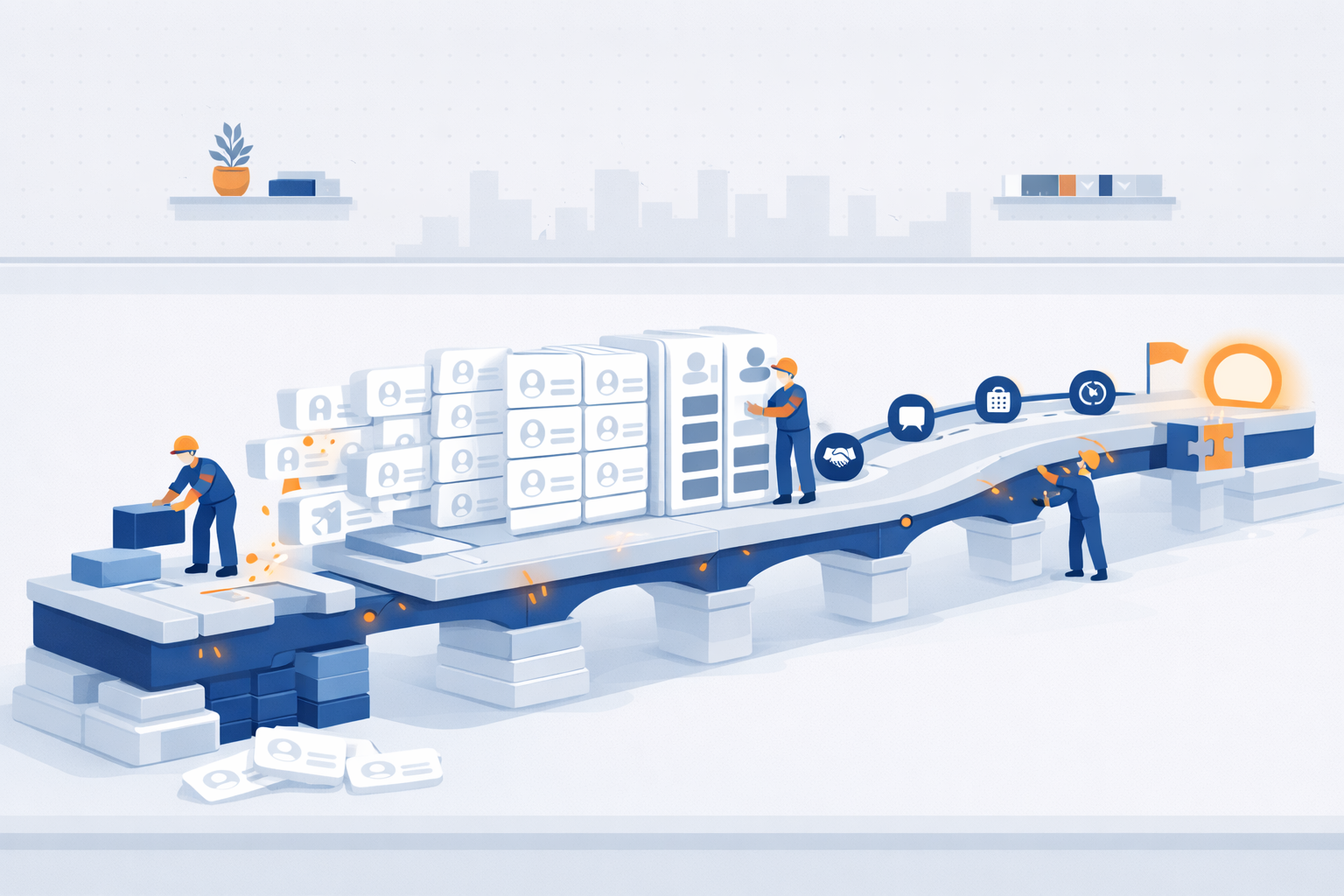
If you use Segwik consistently for one month, you stop relying on memory. You stop losing track of people. You stop wondering what to do next.
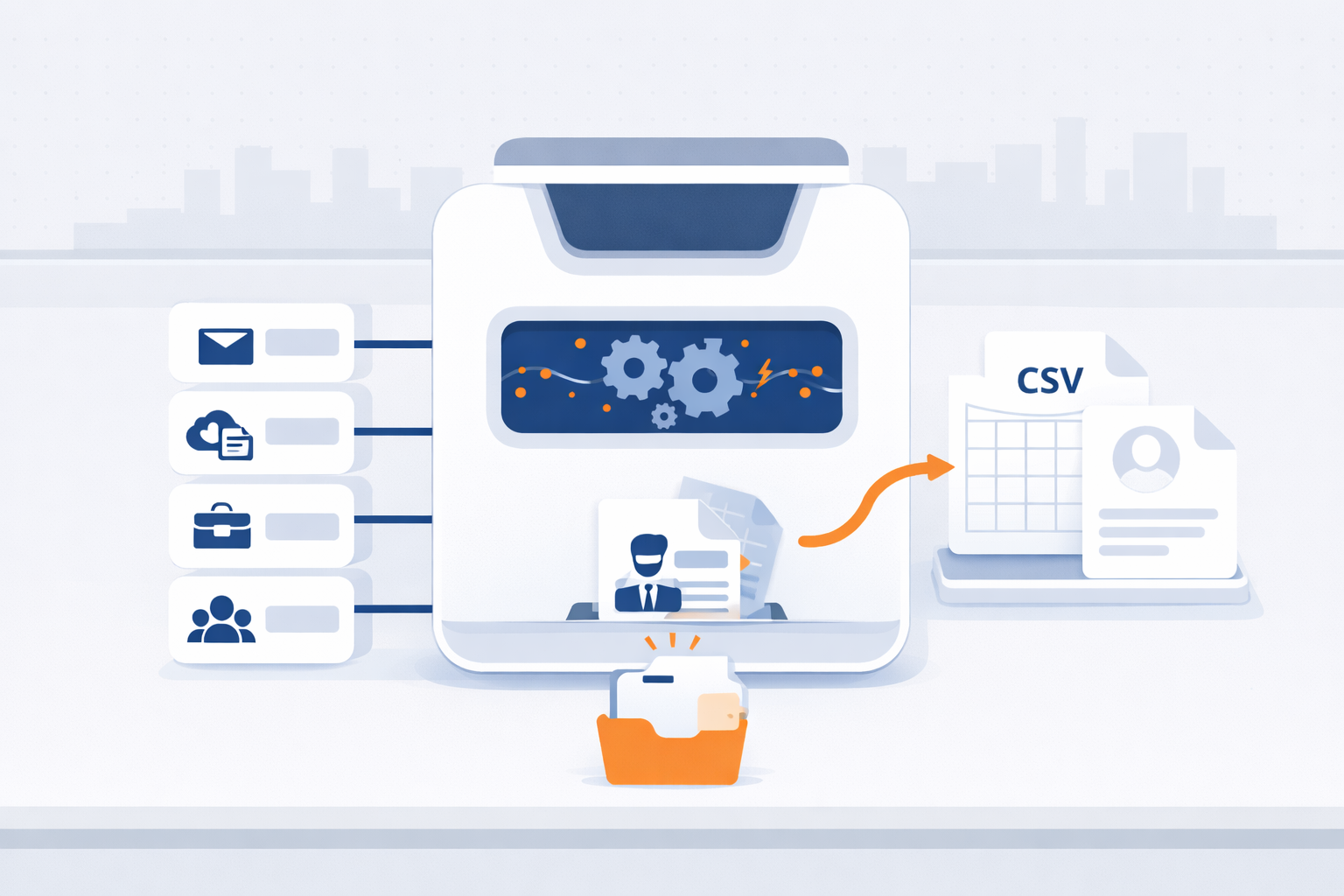
Export your contacts from Gmail, iCloud, Outlook, or Mailchimp in minutes—so you can bring them into Segwik quickly and stay organized.
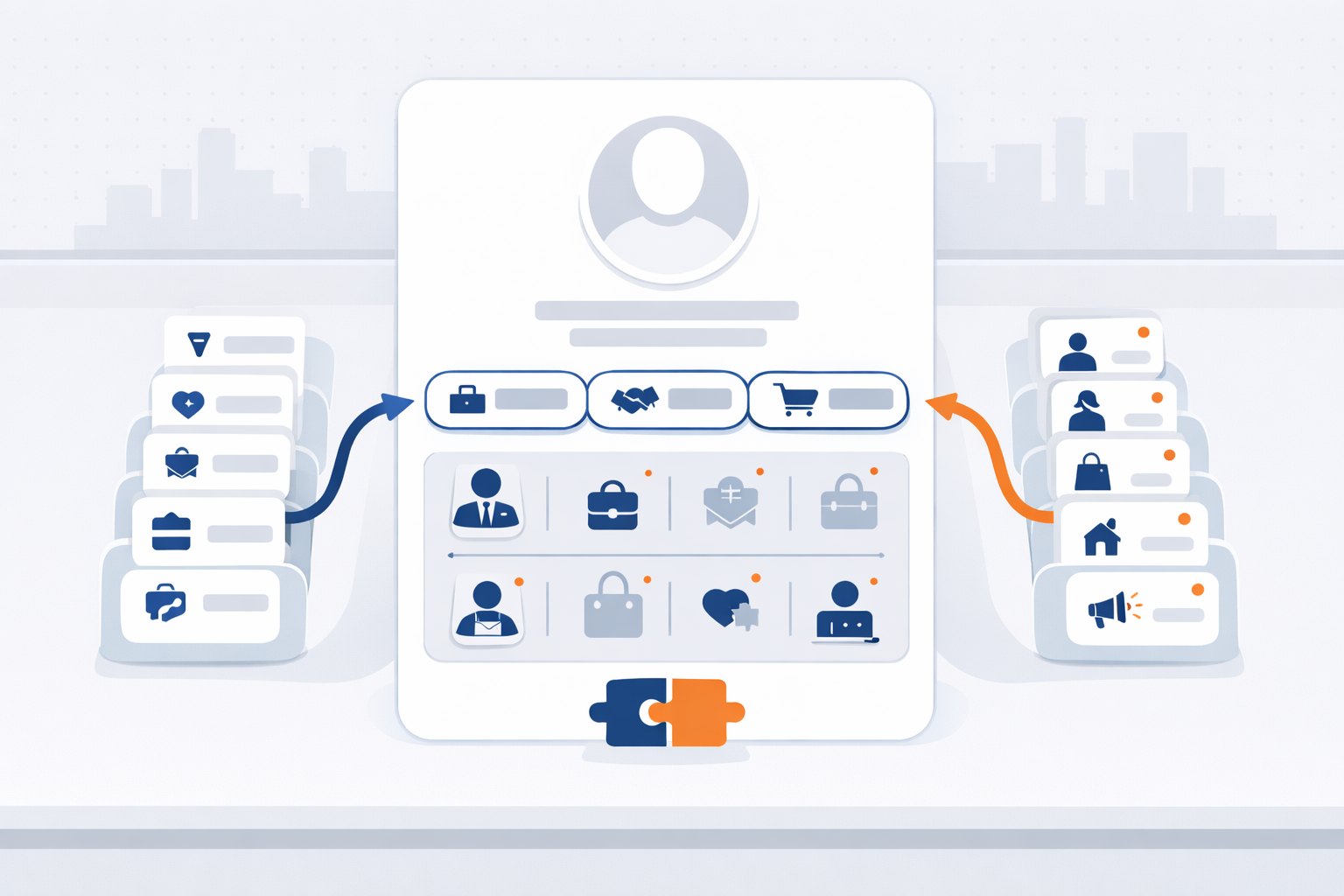
Contact Types and Personas help Segwik understand both your relationship to someone and who they are in your world.
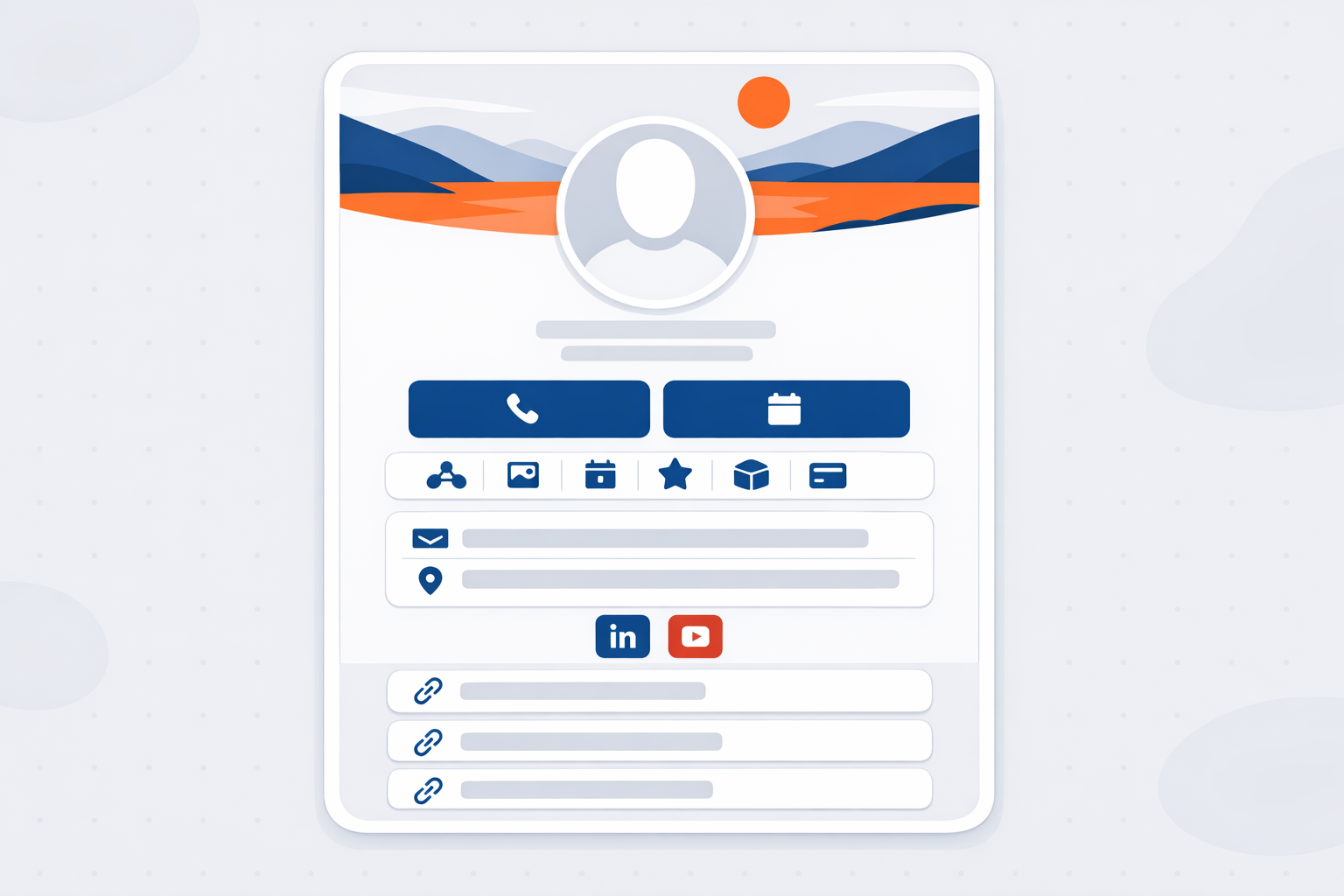
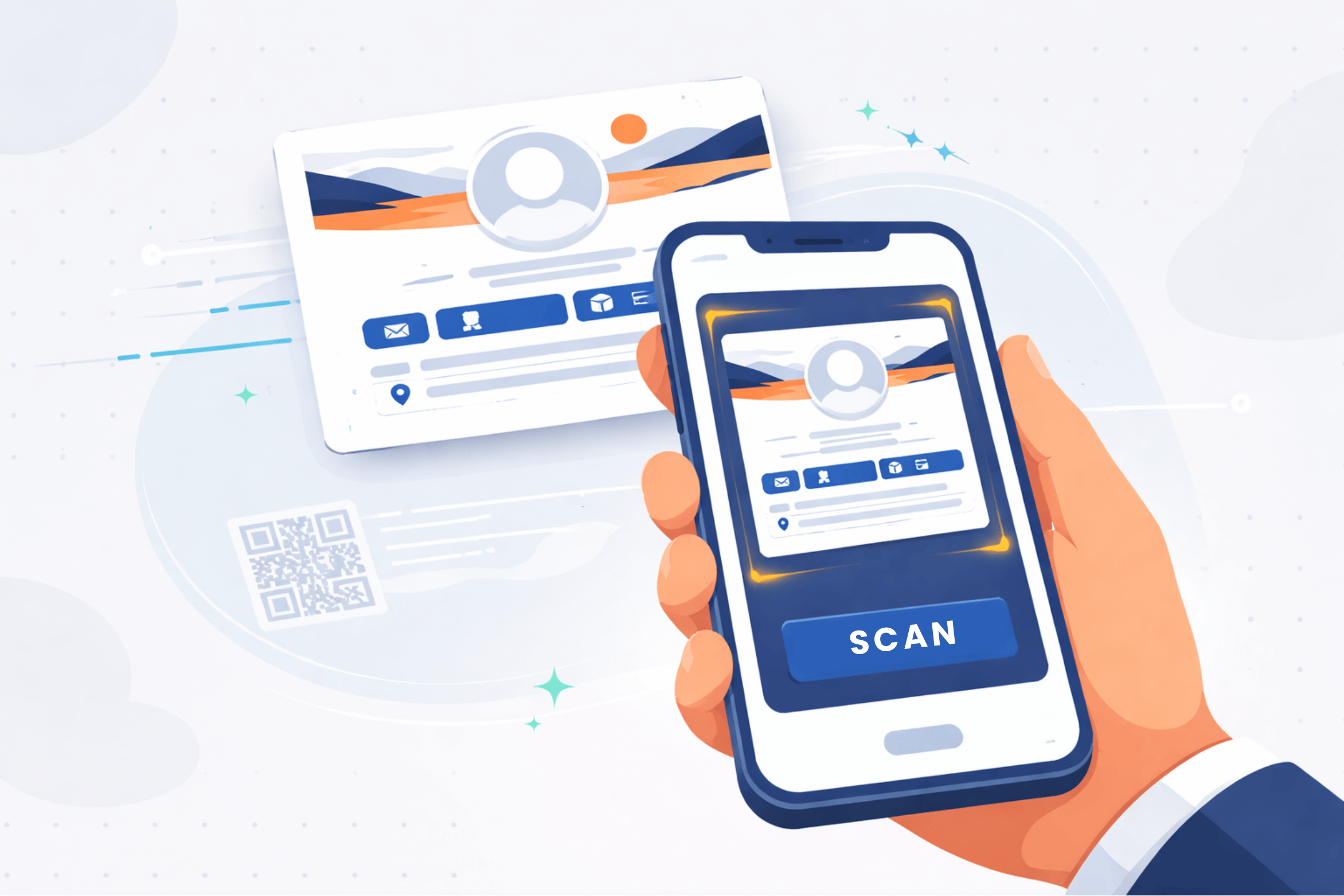
A great digital card makes it easy for people to save you, contact you, book time with you, and share you—without friction.
Clean data imports faster, maps easier, and creates fewer issues later.
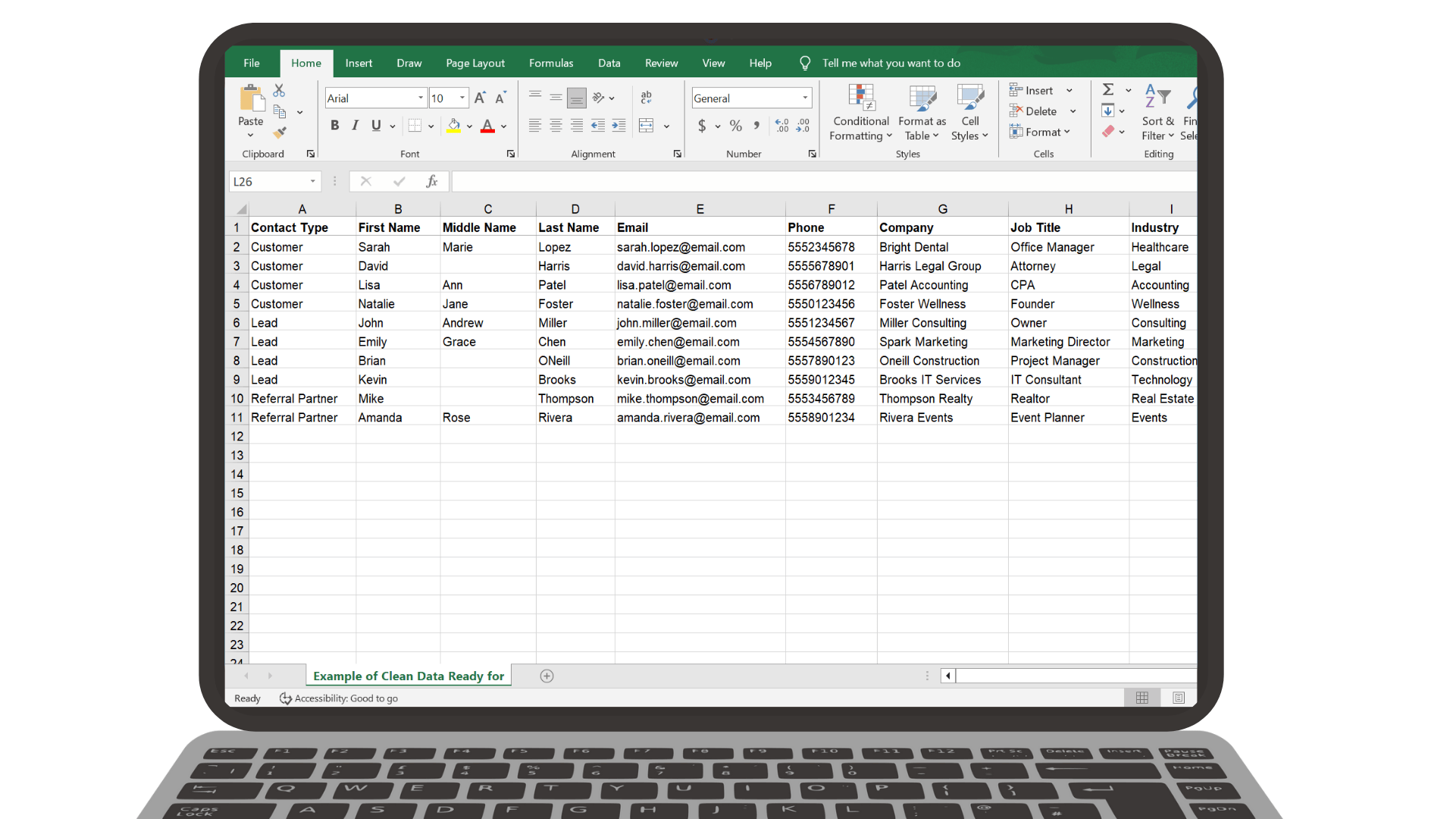
Clean data imports faster, maps easier, and creates fewer issues later.
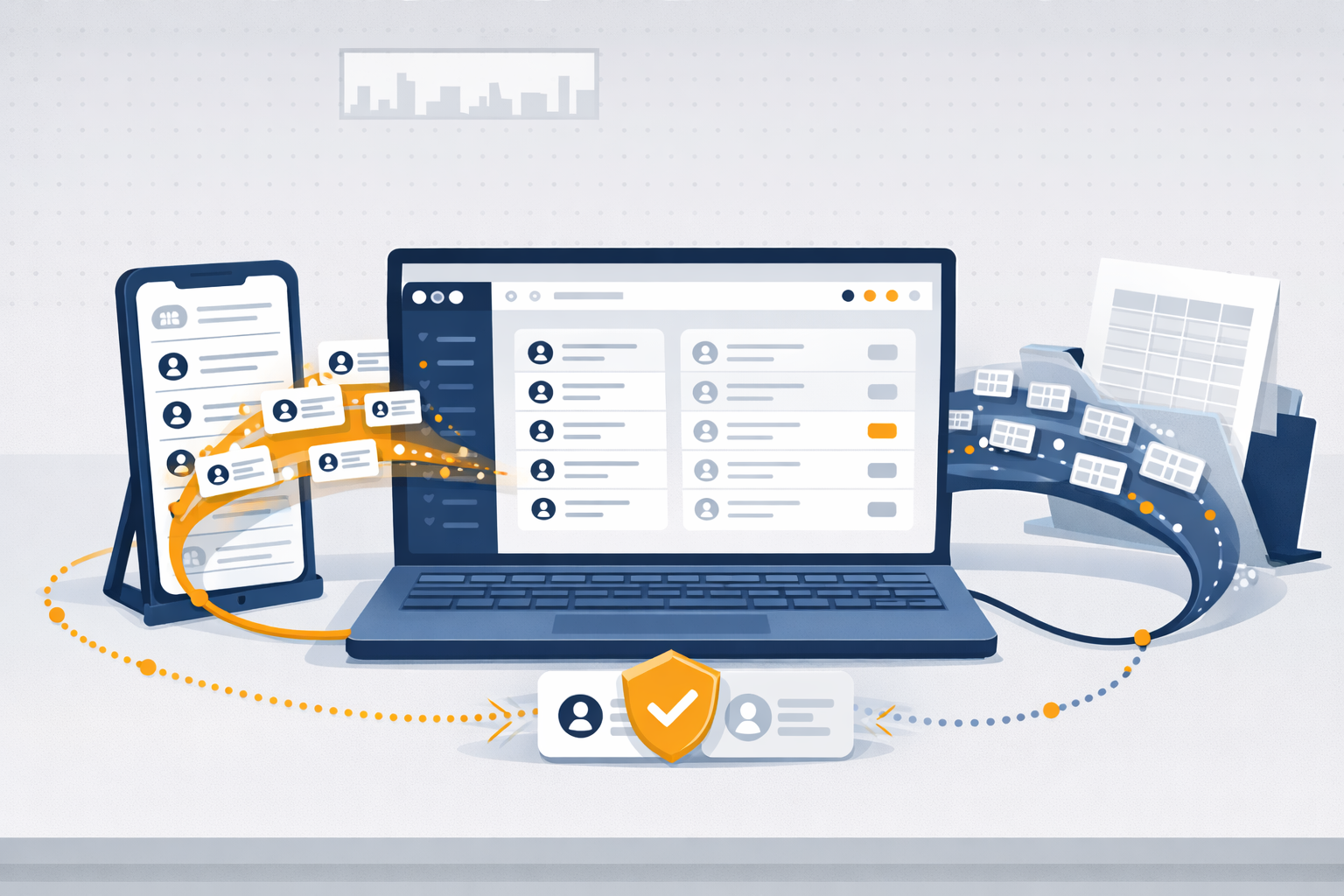
Importing helps you get your existing contacts into Segwik quickly so you can focus on relationships instead of retyping information.
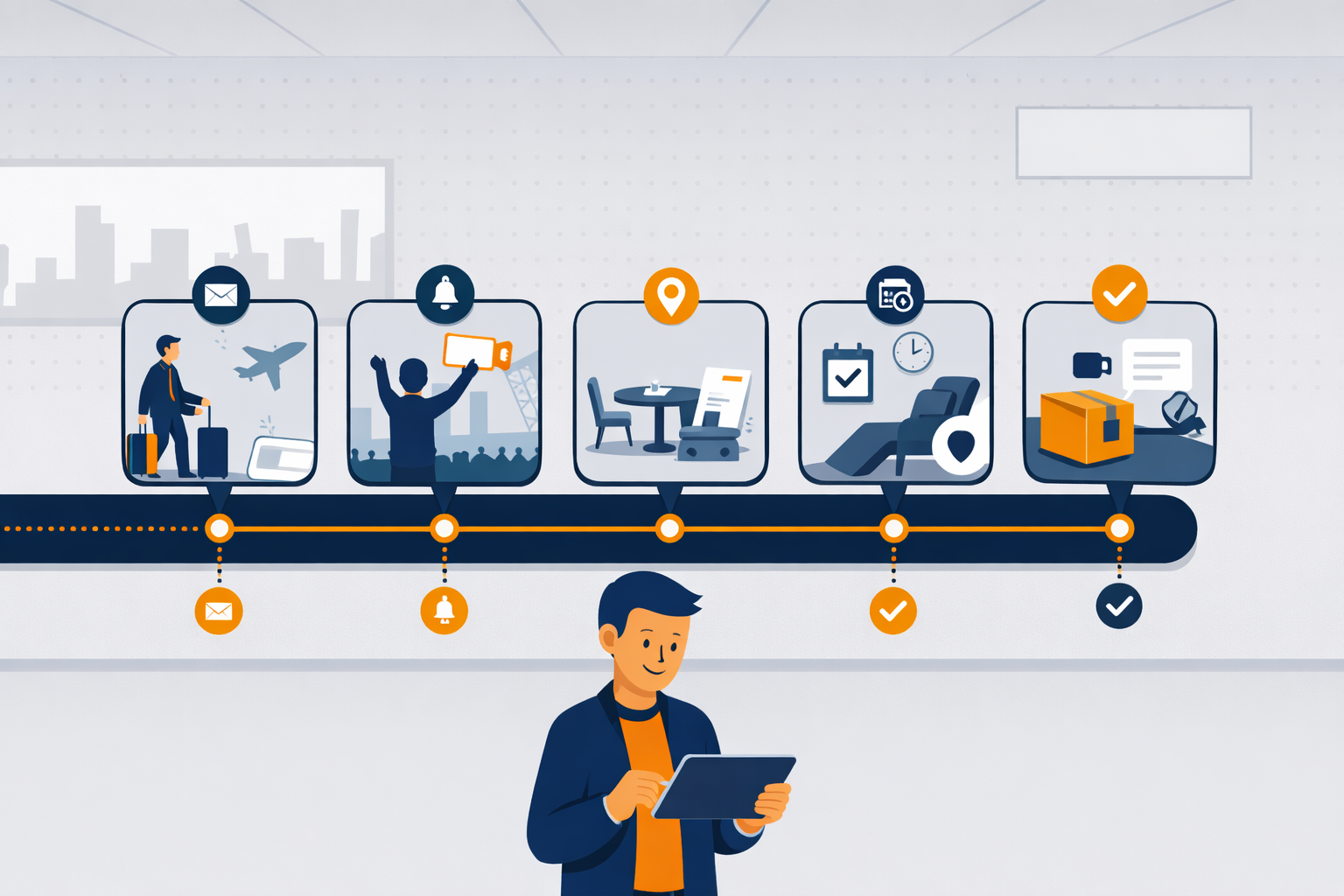
See how familiar experiences like airlines, restaurants, dentists, retail, and online ordering guide people step-by-step — with automation quietly keeping everything on track.
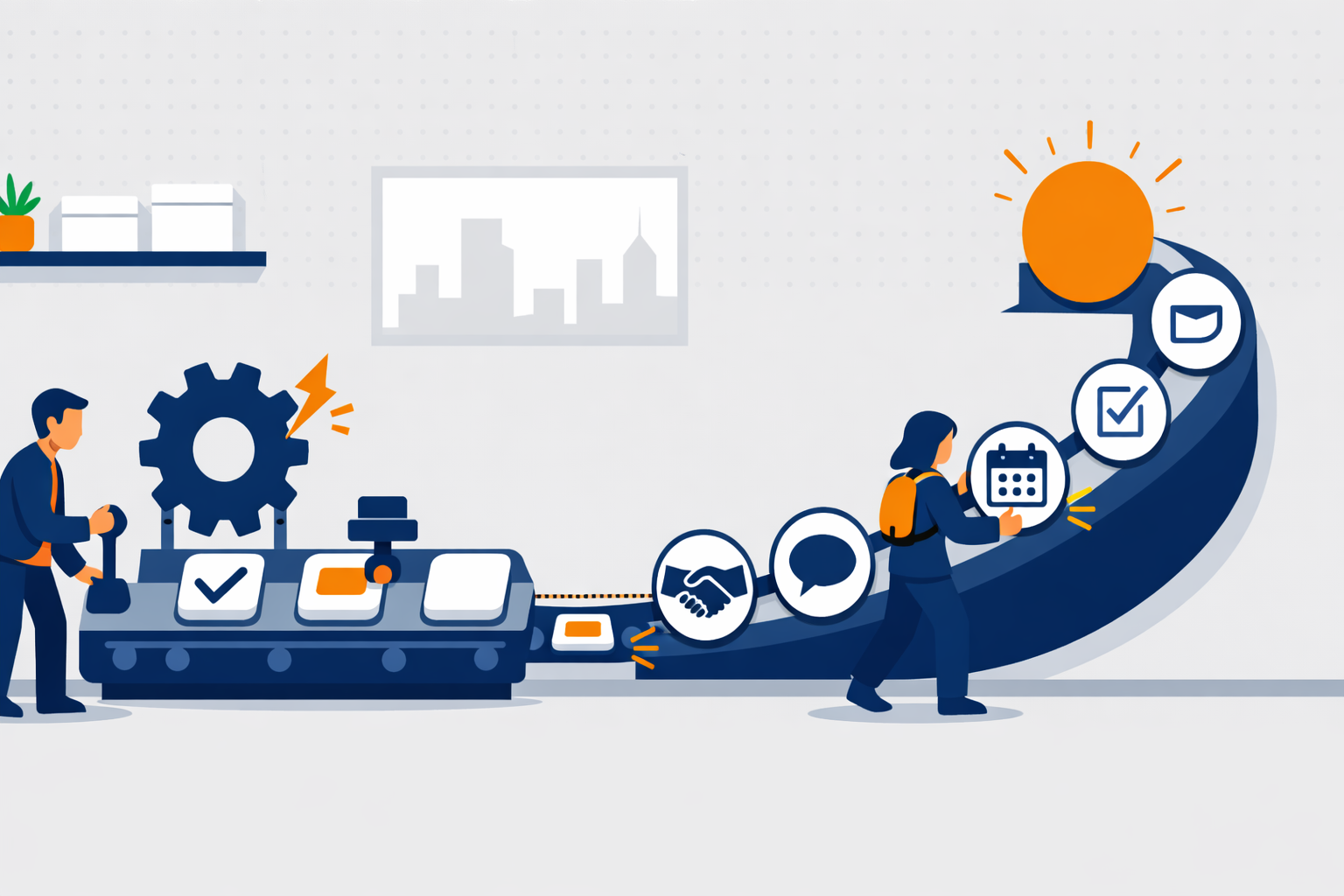
Automations handle the small stuff. Journeys guide the big picture.