

Most businesses use more tools than they realize. Many of these tools do similar things, just in different ways.
This guide explains common business tools using simple language, without technical terms or assumptions.
Email tools are used to send and receive messages.
Businesses often use email to:
Examples include Gmail, Outlook, and other email providers.
Calendar tools help schedule time and keep track of appointments.
Calendars show when something happens, but usually not what should happen next.
Phone and texting tools handle calls and messages.
These tools are great for conversations, but they often don’t store much long-term context.
Contact tools store basic information about people.
Many businesses end up with contacts spread across multiple places.
CRMs store information about customers, leads, and interactions.
CRMs are good at storing information, but they don’t always guide day-to-day follow-up clearly.
Forms collect information from people.
Forms capture data, but usually don’t manage what happens afterward.
Scheduling tools allow people to book time without back-and-forth emails.
These tools handle scheduling well, but often stop once the meeting is over.
These tools help businesses get paid.
They focus on money, not on the relationship behind the transaction.
Marketing tools send messages to groups of people.
These tools are designed for volume, not for personal, one-to-one relationships.
Many businesses rely on simple tools like notes or spreadsheets.
These tools are flexible, but they depend heavily on memory and manual effort.
Each tool usually does one job well. Problems arise when information is spread across too many places.
Understanding what each tool is meant to do makes it easier to decide what to keep, what to connect, and what to simplify over time.
Are your business tools actually working together — or are they operating in isolation?
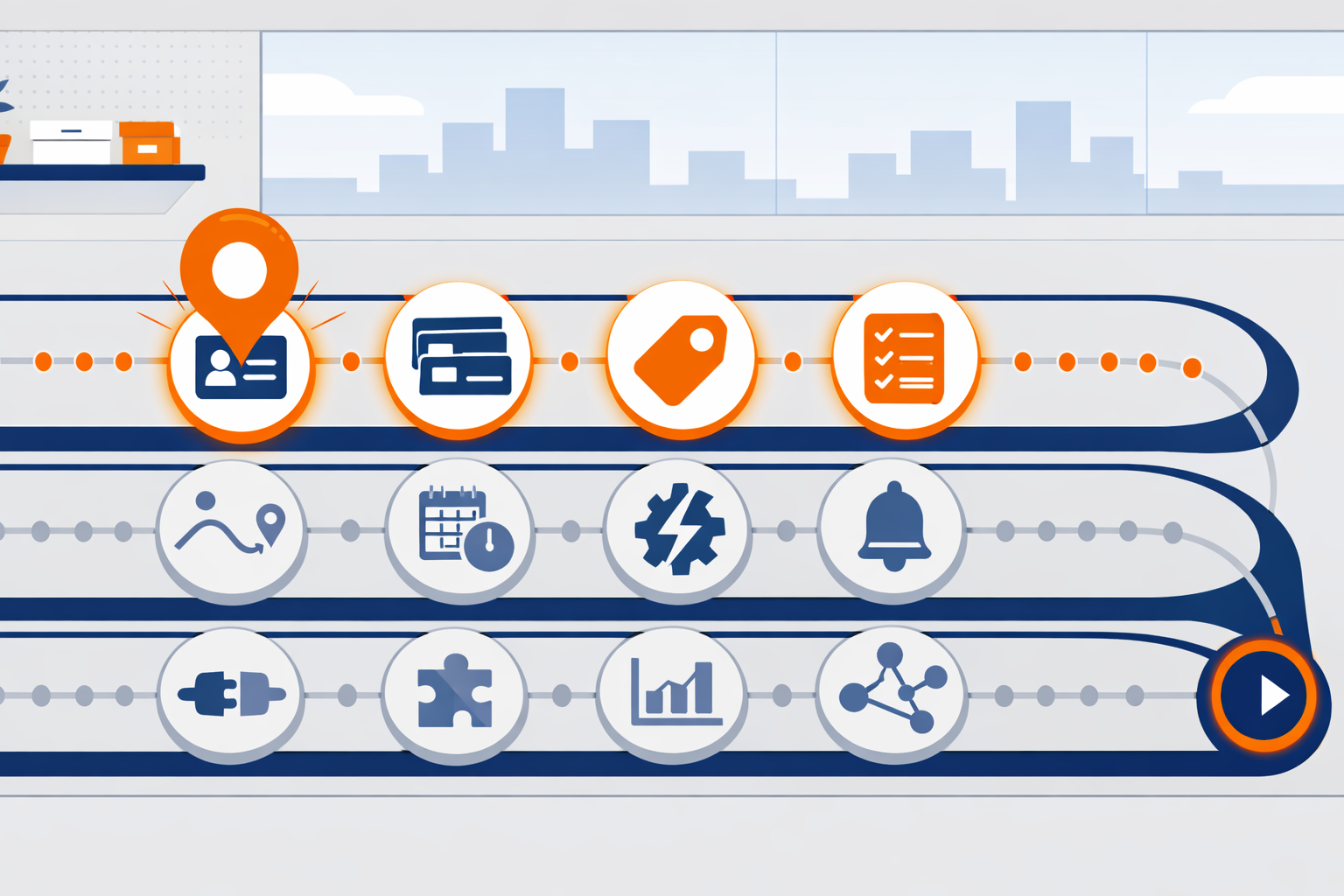
If you’re ever unsure what to do next, the Roadmap is your answer.
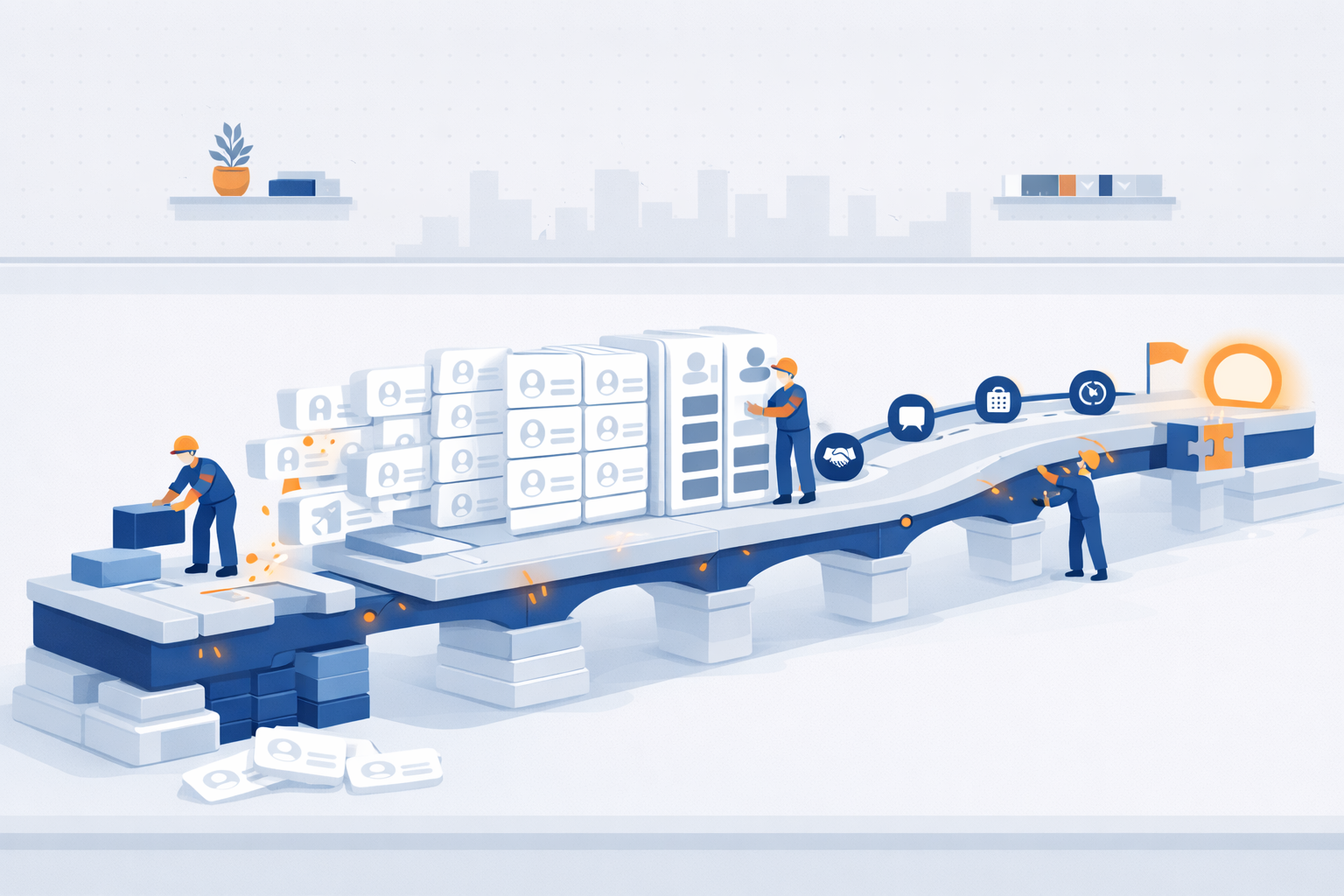
If you use Segwik consistently for one month, you stop relying on memory. You stop losing track of people. You stop wondering what to do next.
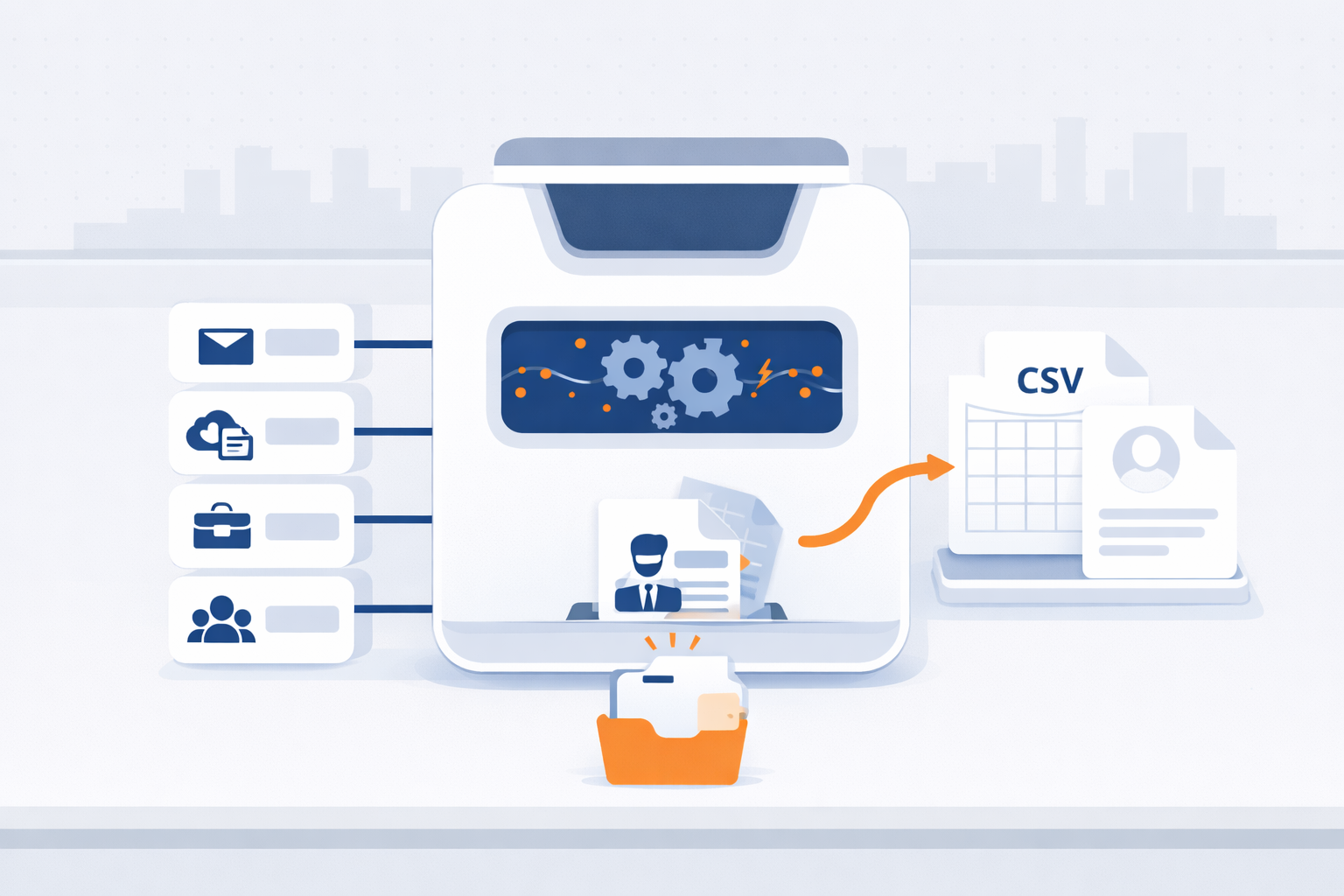
Export your contacts from Gmail, iCloud, Outlook, or Mailchimp in minutes—so you can bring them into Segwik quickly and stay organized.
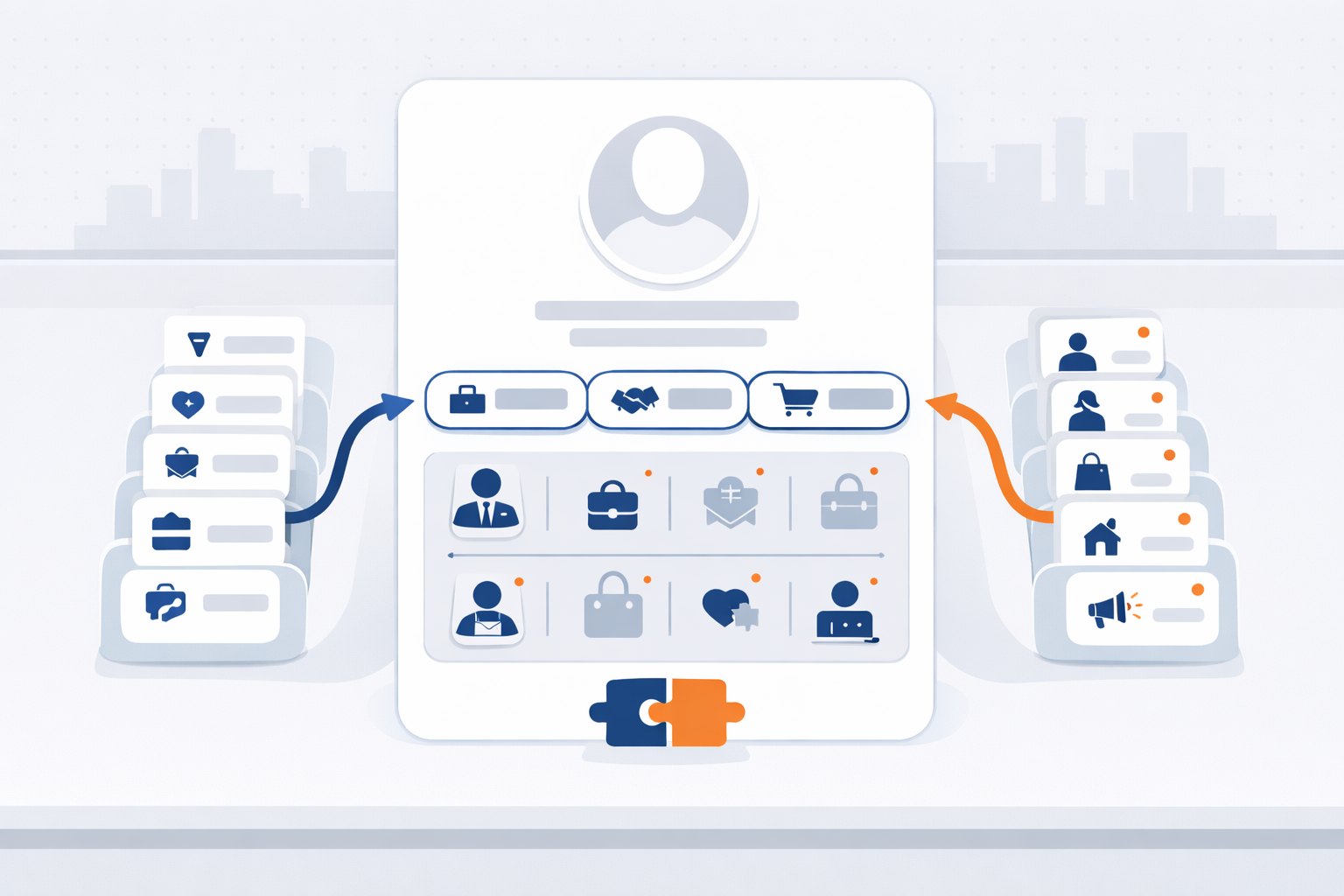
Contact Types and Personas help Segwik understand both your relationship to someone and who they are in your world.
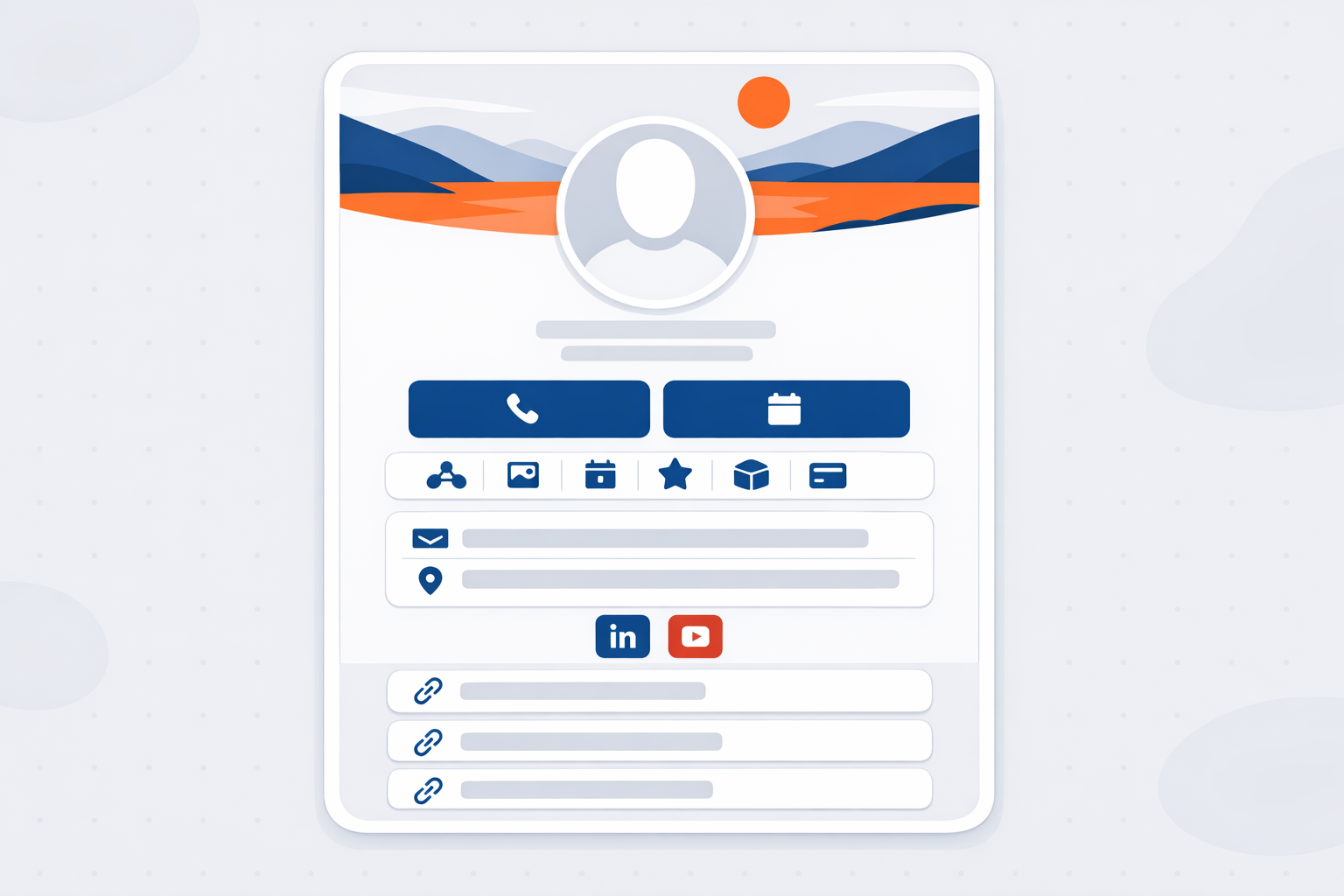
A great digital card makes it easy for people to save you, contact you, book time with you, and share you—without friction.
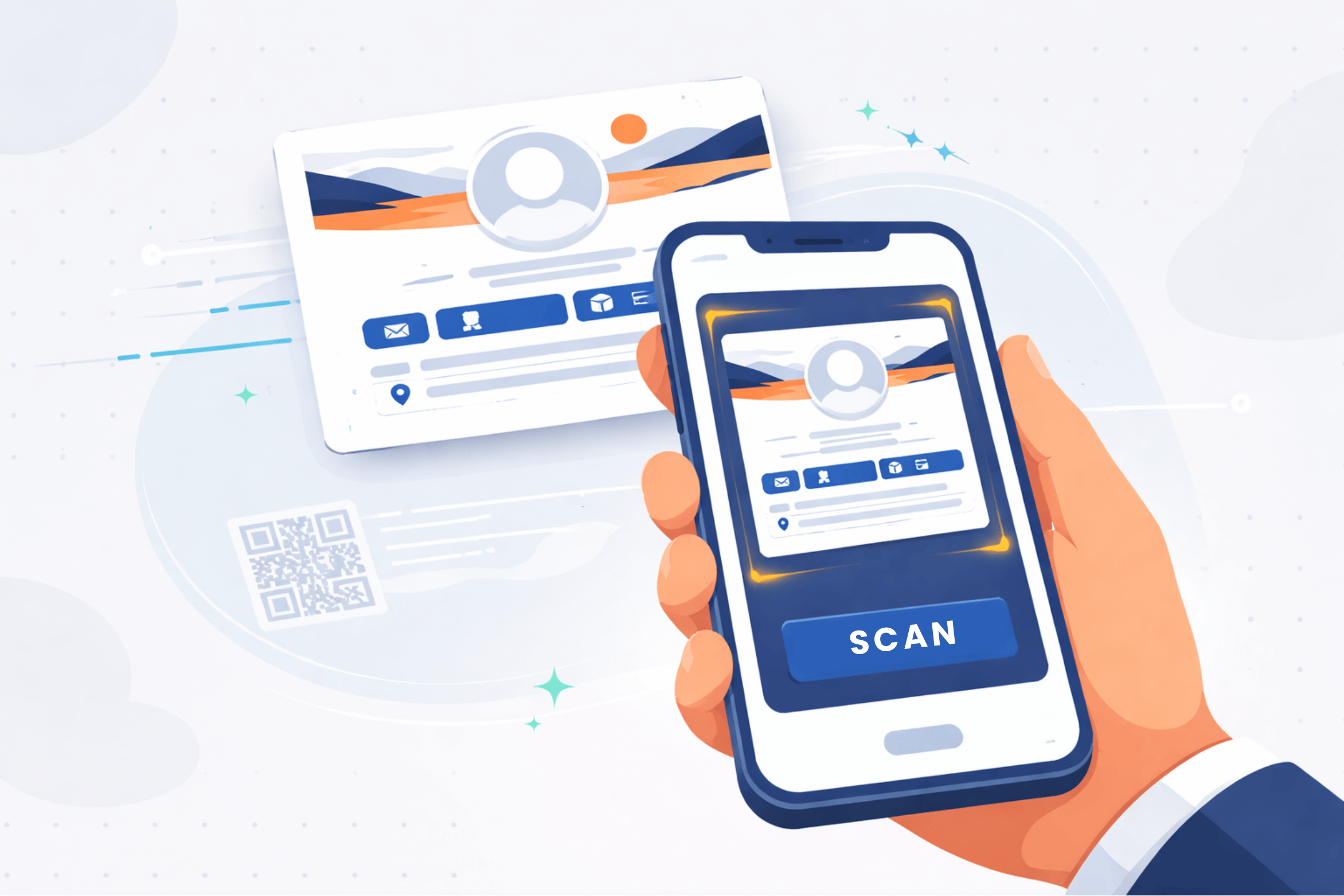
Clean data imports faster, maps easier, and creates fewer issues later.
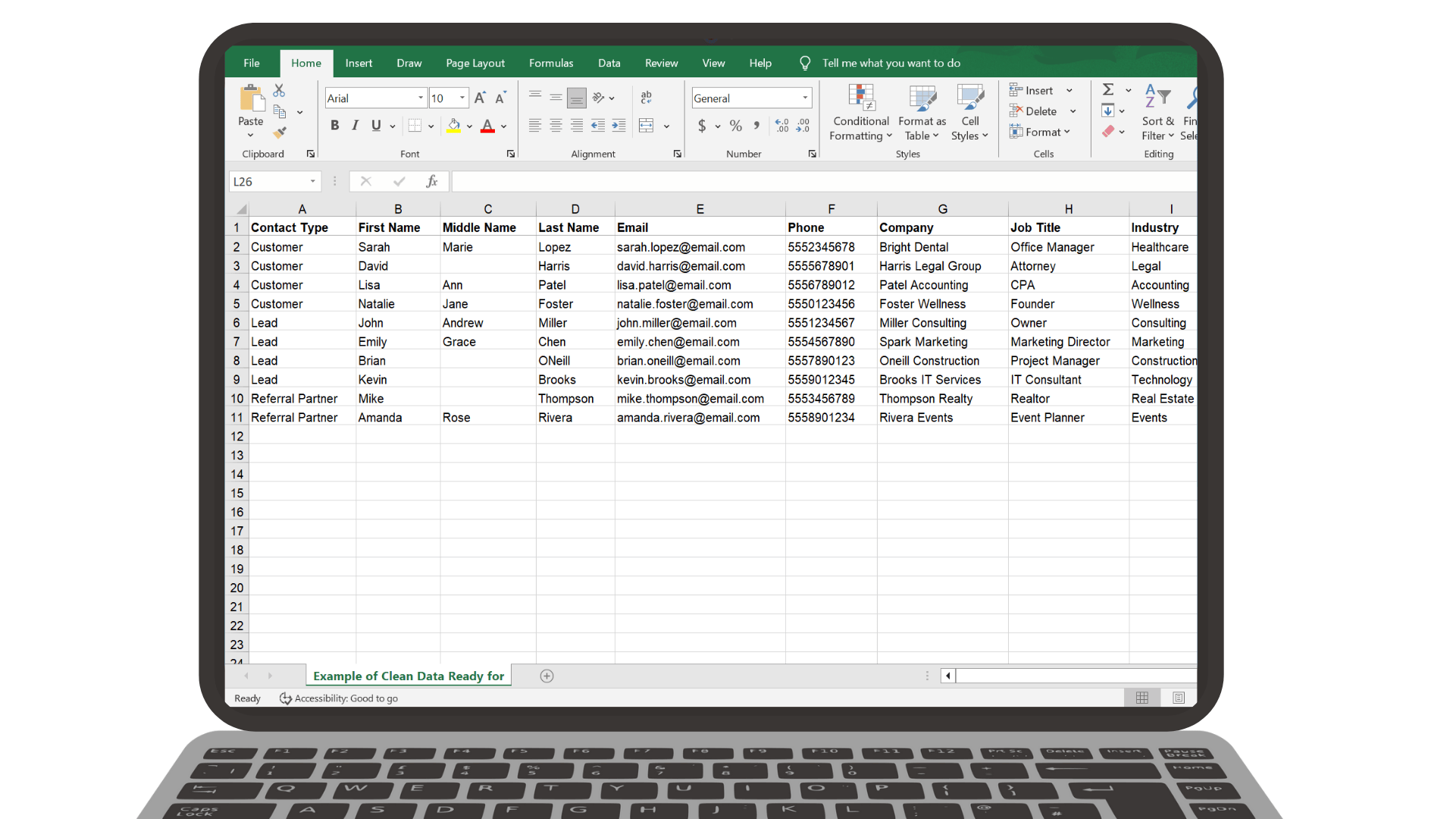
Clean data imports faster, maps easier, and creates fewer issues later.
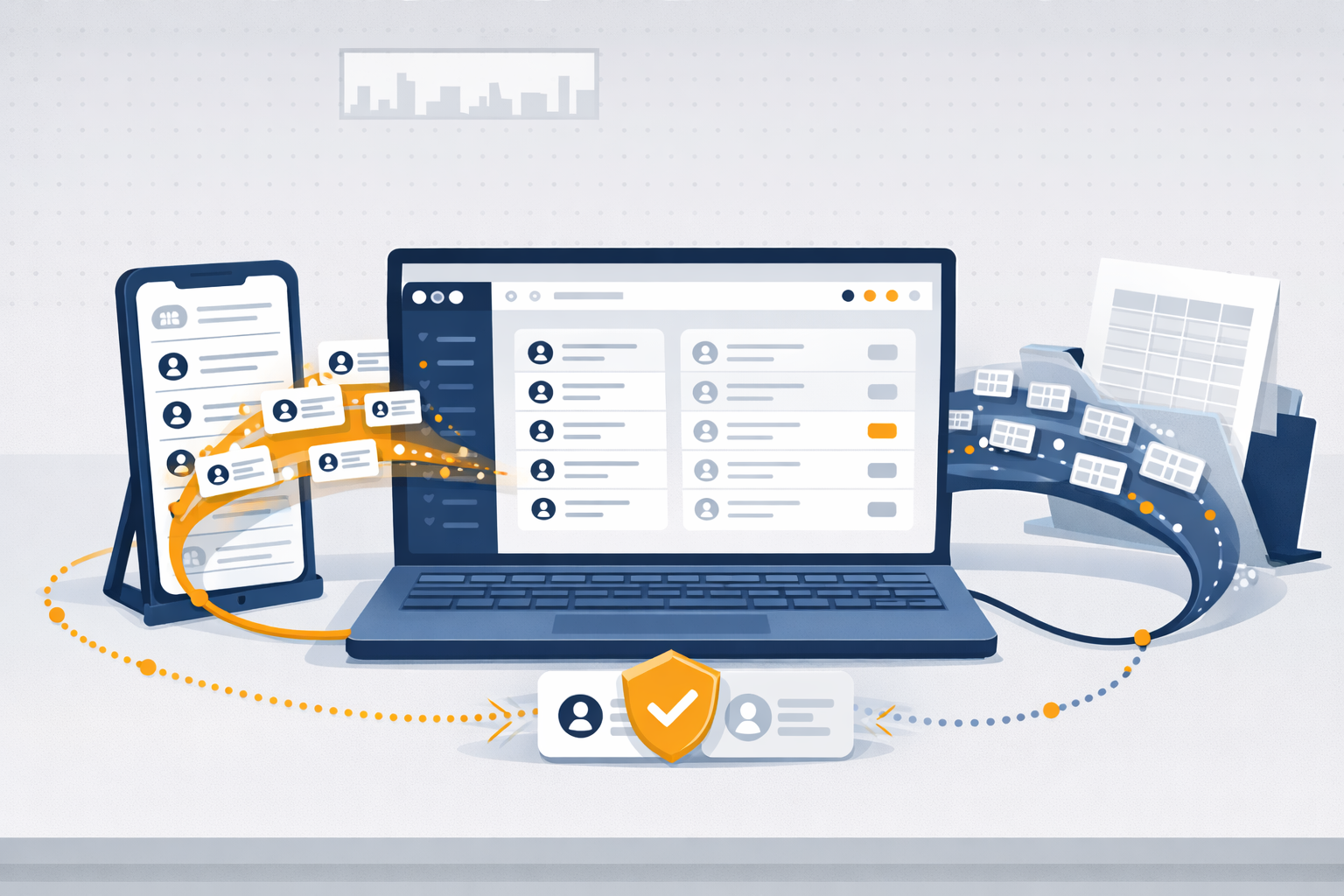
Importing helps you get your existing contacts into Segwik quickly so you can focus on relationships instead of retyping information.
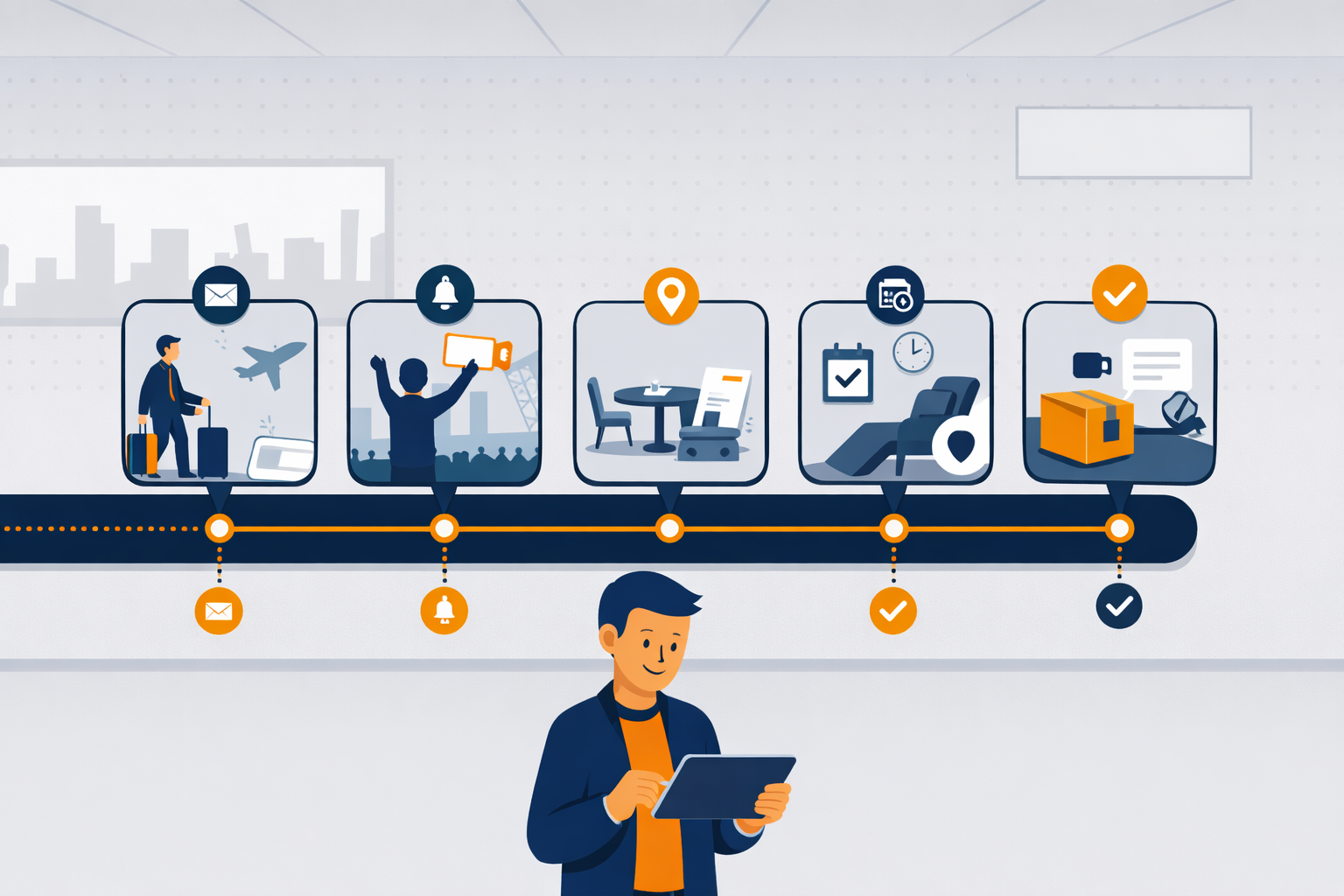
See how familiar experiences like airlines, restaurants, dentists, retail, and online ordering guide people step-by-step — with automation quietly keeping everything on track.
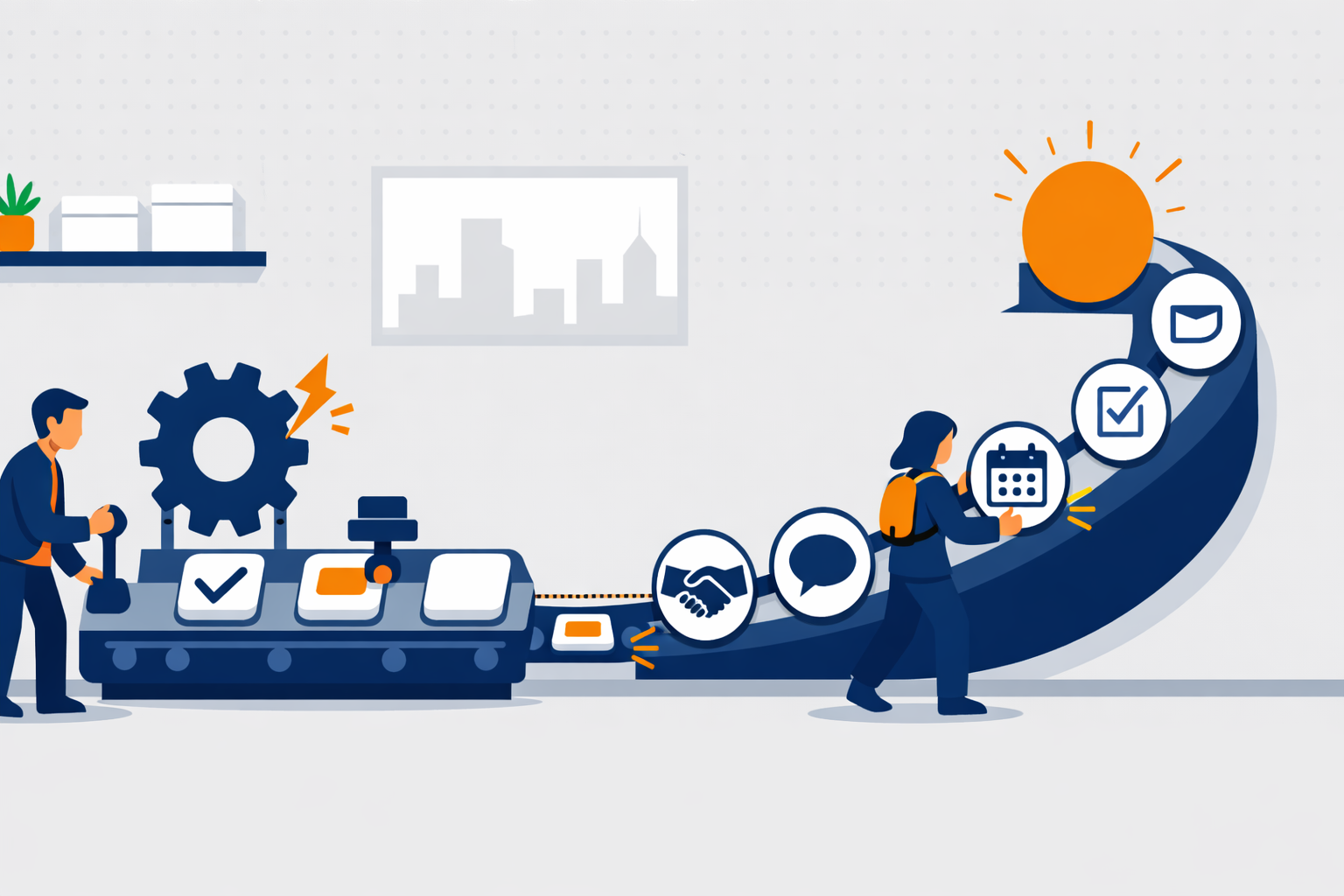
Automations handle the small stuff. Journeys guide the big picture.